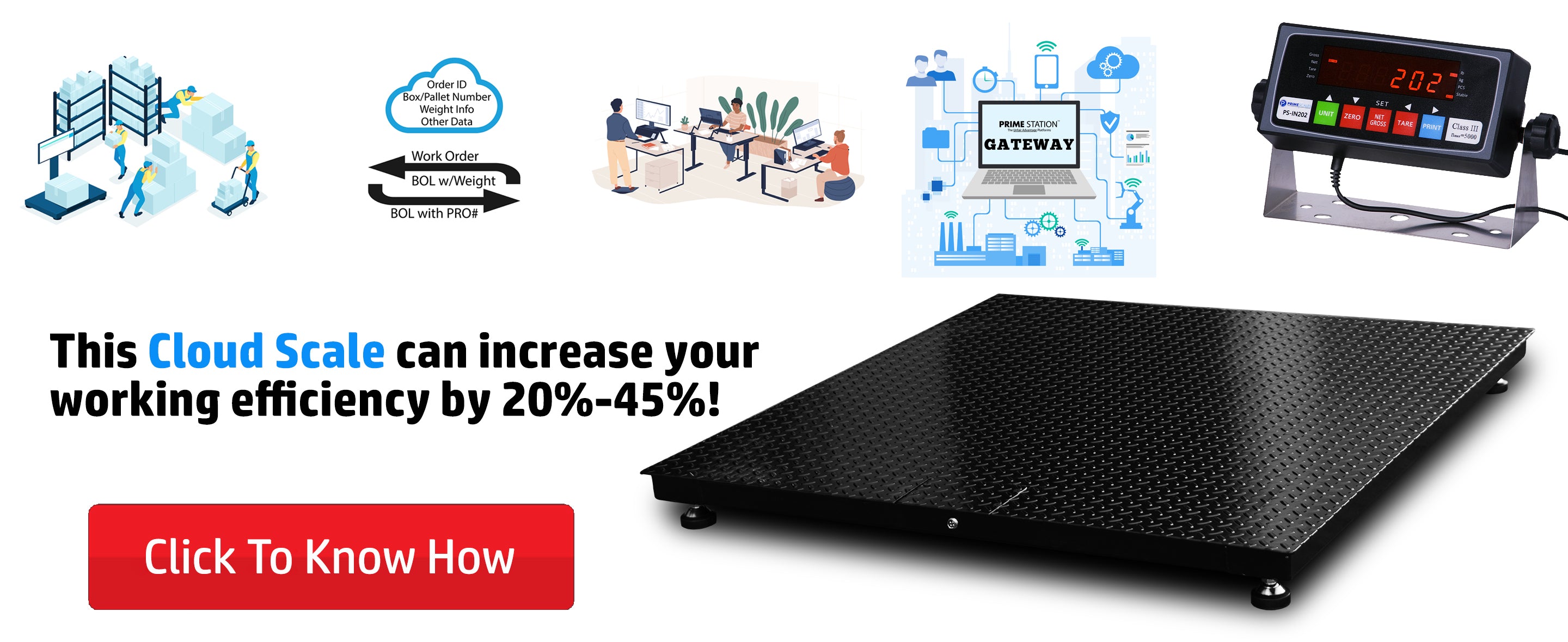
Every shift, your operators write down weights by hand. Then someone types those numbers into your system. One typo on a Friday night, and your inventory is wrong for weeks. That small error ripples into failed audits, short shipments, and angry customers.
The fix is not buying new software. The fix is making your scales talk to the systems you already own. Proper industrial scale integration removes the human middleman and sends weight data straight to your records. Here is how this actually works on the shop floor.
Key Takeaways
-
Direct scale-to-software connections cut data entry errors by over 90%.
-
Most existing scales can connect to modern systems with the right indicator.
-
Protocol choice depends on your current hardware, not trends.
-
Start with one production line before rolling out plant-wide.
Why Manual Weighing Data Is Costing You
Handwritten weight logs fail. I have seen plants lose thousands each month because a decimal point moved one spot. Your ERP system shows 500 kg of raw material. The actual bin holds 50 kg. Nobody catches it until a batch fails.
The root cause is the gap between the scale and the software. Your floor scales capture accurate weights. Your system needs those numbers. But a person with a clipboard sits in between. That person gets tired, distracted, or rushed. The data breaks.
How Scale Integration with ERP Actually Works
Scale integration with ERP starts at the hardware level. Your scale's indicators output a digital signal. That signal travels through a cable or wireless link to your network. From there, software picks it up and writes it into your database.
The Hardware Side
You do not always need new equipment. Many bench scales and pallet scales already have serial or Ethernet ports. The key is the load cells underneath the platform. If they work, the data is there. You just need a path to move it.
Barcode scanners often pair with scales at receiving docks. The operator scans a lot number, steps on the scale, and the system logs both values at once. This is the simplest form of a warehouse weighing automation system.
The Software Side
On the software end, your manufacturing software needs a way to receive the data. Most modern platforms accept input through a REST API. Your scale data hits that endpoint and lands in the right field automatically.
For older setups, middleware acts as a translator. It sits between the scale and your inventory management systems, converting raw weight signals into clean records your software understands.
Choosing the Right Protocol
This is where most projects stall. Your IT team wants one thing. Your maintenance crew wants another. Here is a simple breakdown.
|
Protocol |
Best For |
Speed |
Setup Difficulty |
|
Modbus |
PLC and SCADA links |
Fast |
Medium |
|
OPC UA |
Complex MES networks |
Very fast |
High |
|
TCP/IP over Ethernet |
Direct PC connections |
Fast |
Low |
|
REST API |
Cloud ERP and WMS |
Moderate |
Low |
Modbus works well when your PLC already controls the line. OPC UA shines in large plants with a SCADA layer. For direct links to a PC running your WMS, plain TCP/IP over Ethernet is the easiest path.
Connecting Scales to MES for Production Control
Your MES tracks every step of production. Weight is a critical step. When batch weighing data flows into your MES automatically, you get real-time recipe management and production monitoring.
Checkweighers on packaging lines are the most common MES integration point. Each package crosses the scale. The system checks the weight against the target. If it drifts, the line stops. This is quality assurance in action, not on paper.
For material tracking, link your pallet scales at staging areas to your MES. Every pallet gets weighed before it moves to the next station. The system logs the weight and ties it to the work order. Full traceability with zero manual input.
SAP Weighing Scale Integration: What You Need to Know
SAP weighing scale integration is a specific challenge. SAP expects data in a strict format. Your scale does not speak SAP natively. You need a bridge.
-
Use IoT gateways to collect weight data from multiple scales on the shop floor.
-
Format the data to match SAP's expected input structure before sending it.
-
Test with one scale and one material code before going live across the plant.
I have seen teams skip the testing step. They connected 40 scales at once. Half the data landed in the wrong fields. The cleanup took three weeks. Start small.
When This Will Not Work
Not every plant needs full inventory control automation. If you weigh five items a day, a manual log is fine. Do not spend effort automating a process that barely exists.
Old analog scales with no digital output cannot connect to anything. You will need new industrial smart scales or at least a new indicator. Retrofitting a 30-year-old mechanical scale is not practical. Be honest about your starting point.
Poor network infrastructure is another silent killer. If your shop floor Wi-Fi drops every hour, your wireless scale data will vanish. Fix the network first, then integrate.
Conclusion
Automated weight data gives you accurate records, faster audits, and fewer headaches. The technology is simpler than most vendors make it sound. You need a working scale, a network path, and a software endpoint.
Here are three steps to start this week. First, list every scale on your floor and check its output ports. Second, ask your IT team which protocol your current systems accept. Third, pick one line and run a pilot. Visit ScaleDepot to explore scale options that support digital output.
Integration is not a one-time project. It is a habit. Once your first line runs clean data, the rest of the plant will ask for it. Let the results sell the expansion.
Frequently Asked Questions
1. Can weighing scales send data directly to SAP?
Not directly. SAP requires formatted data through an interface layer. You need middleware or an IoT gateway to convert raw weight signals into SAP-compatible records before transmission.
2. What is the best way to integrate industrial scales with MES?
Use OPC UA or Modbus through your existing PLC network. Connect the scale indicator to the PLC, then let the MES pull weight data from the PLC tag in real time.
3. How does automated weighing improve manufacturing efficiency?
It removes manual data entry, cuts transcription errors, and speeds up batch recording. Operators focus on production instead of paperwork, reducing cycle times per batch.
4. What protocols are used for industrial-scale integration?
Common protocols include Modbus RTU/TCP, OPC UA, TCP/IP, and REST API. The right choice depends on your existing PLC, SCADA, or ERP infrastructure.
5. How do factories automate weight data collection?
Factories connect scale indicators to the plant network via Ethernet or serial cables. Middleware or IoT gateways collect the data and push it to ERP, WMS, or MES systems automatically.